Table of Contents
ToggleTELUS Smart Home Security offers Canadian homeowners a layered approach to protecting their property through professional monitoring, smart sensors, and connected automation. Whether you’re installing your first alarm panel or upgrading an outdated system, understanding what TELUS provides, and what it costs, helps you make an informed choice. This guide breaks down the equipment, monitoring options, installation process, and smart home capabilities so you know exactly what you’re buying before you commit.
Key Takeaways
- TELUS Smart Home Security provides 24/7 ULC-certified professional monitoring across Canada with cellular backup, ensuring reliable protection even when internet or power is interrupted.
- Equipment costs $300–$800 upfront with monthly monitoring fees of $30–$60, and bundling with TELUS internet or TV service can reduce your bill by $5–$10 per month.
- The system integrates seamlessly with Amazon Alexa, Google Assistant, and Z-Wave devices, enabling custom automation routines like auto-arming when you leave home or unlocking doors via voice command.
- Professional installation (2–4 hours) is the standard option, though some packages allow DIY installation to save $100–$200 in setup fees if you’re comfortable with the technical requirements.
- TELUS Smart Home Security contracts typically run 36 months with early termination fees, making it ideal for homeowners planning to stay put, but less suitable for renters or those expecting to relocate.
- Insurance discounts of 10–20% are available with many Canadian insurers for professionally monitored systems, which can significantly offset the annual cost.
What Is TELUS Smart Home Security?
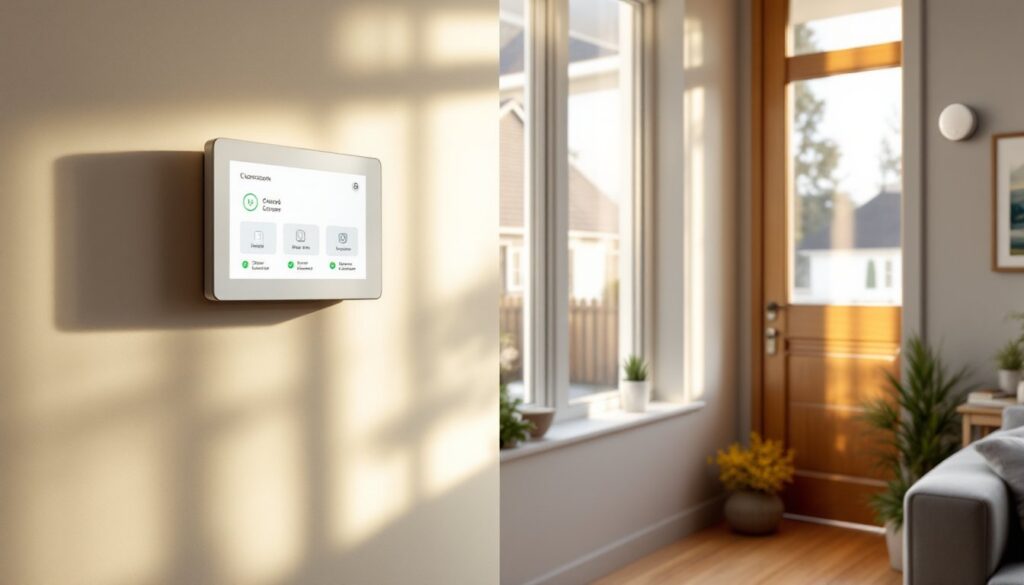
TELUS Smart Home Security is a professionally monitored security and automation platform available across Canada. It’s built around a central control panel (typically a touchscreen hub) that communicates with door/window sensors, motion detectors, cameras, smart locks, and environmental monitors.
Unlike DIY systems you mount and monitor yourself, TELUS provides 24/7 professional monitoring through ULC-listed (Underwriters Laboratories of Canada) alarm response centers. When a sensor trips, the monitoring station contacts you and, if necessary, dispatches local authorities.
TELUS operates as a provider, not a manufacturer. Equipment comes from established vendors like Qolsys, Alarm.com, and others. The service runs on cellular and Wi-Fi connectivity, so it doesn’t rely on a landline, an important consideration if you’ve cut the cord.
The system is designed for residential use, from single-family homes to condos. It scales: you can start with entry sensors and a keypad, then add cameras, smart thermostats, or water leak detectors as your needs evolve.
Key Features and Equipment Options
TELUS packages typically include:
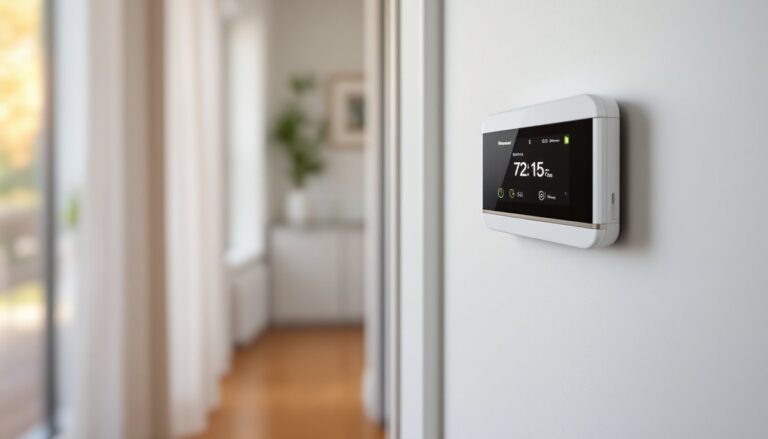
- Touchscreen control panel (7-inch display, built-in cellular radio)
- Door and window sensors (magnetic contact switches, 2-piece design)
- Motion detectors (passive infrared, pet-immune up to 40 lbs in some models)
- Indoor/outdoor cameras (1080p or higher, night vision, two-way audio)
- Smart locks (Z-Wave compatible, remote lock/unlock)
- Environmental sensors (smoke, CO, water leak, freeze detection)
- Glass break detectors (acoustic sensors for window intrusion)
- Panic buttons (wireless keyfobs or fixed wall units)
Most packages are customizable. If you live in a condo with a single entry point, you might skip window sensors. If you have a basement prone to flooding, add water leak sensors near the sump pump and water heater.
Cameras store footage in the cloud (typically 30-day rolling storage on higher-tier plans). Local storage via SD card isn’t standard. Resolution varies: entry-level cameras shoot 1080p: premium models offer 2K or 4K with HDR.
Smart locks integrate with the alarm system, so you can trigger “away” mode automatically when the deadbolt locks. Z-Wave is the dominant protocol, which means compatibility with hundreds of third-party smart home automation products.
Professional Monitoring vs. Self-Monitoring
Professional monitoring means a trained operator watches your system around the clock. When the alarm trips, they verify the alert (via two-way audio or SMS) and contact police or fire if you don’t respond. This service typically costs $30–$50/month in Canada, depending on the plan.
Self-monitoring lets you receive alerts on your smartphone and decide whether to call authorities yourself. It’s cheaper (sometimes included in base plans), but you’re responsible for response, even at 3 a.m.
TELUS defaults to professional monitoring. Self-monitoring is available on select plans, but it’s not the primary model. If you travel frequently, work night shifts, or want the peace of mind that someone’s always watching, professional monitoring is worth the premium. If you’re home most of the time and want to save money, self-monitoring can work, but check your insurance policy. Some insurers require professional monitoring to qualify for discounts.
Installation and Setup: What to Expect
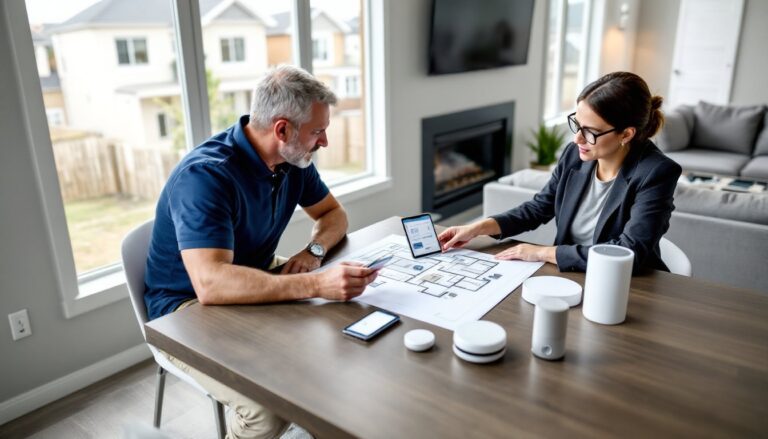
TELUS offers professional installation as the standard option. A certified technician schedules a visit, mounts the panel and sensors, tests connectivity, and walks you through the mobile app. Expect the visit to take 2–4 hours depending on home size and the number of devices.
Door and window sensors mount with adhesive strips or screws. The magnetic contact goes on the moving part (door or sash): the sensor mounts on the frame. Spacing should be ¼ inch or less when closed, any wider and the sensor won’t register.
Motion detectors install in corners, 6–7 feet high, angled down to cover entry points. Avoid aiming them at windows, heating vents, or sunny walls, temperature fluctuations cause false alarms. If you have pets, make sure the tech enables pet-immune mode and positions sensors above typical animal height.
Cameras require AC power (most use a USB adapter) and stable Wi-Fi. Outdoor models need weatherproof mounts and access to an outlet or low-voltage transformer. The tech will test signal strength and adjust placement if connectivity is weak.
The control panel mounts near the main entry, ideally within 30 seconds of the door (the typical exit delay). It connects via cellular LTE and Wi-Fi for redundancy. No phone line required.
DIY installation isn’t widely advertised, but some TELUS packages allow it. You’ll receive equipment by mail with setup instructions and phone support. This route saves the installation fee (usually $100–$200) but puts the burden on you. If you’ve installed connected devices before and you’re comfortable drilling into drywall, it’s doable. If not, pay for the pro.
Pricing, Plans, and Contract Details
TELUS structures pricing around equipment cost and monthly monitoring fees. As of 2026, expect:
- Equipment: $300–$800 upfront (or $0 down with a contract)
- Monitoring: $30–$60/month depending on plan tier
- Contract length: Typically 36 months (3 years)
If you finance equipment, the monthly fee often bundles monitoring and a device payment, landing around $50–$80/month. Pay upfront and you reduce the monthly cost to just the monitoring fee.
Plans break down roughly like this:
- Basic: Core sensors, professional monitoring, mobile alerts (~$30/month)
- Smart: Adds cameras, cloud storage, smart lock integration (~$45/month)
- Premium: Video doorbell, extended cloud storage (60 days), automation rules (~$60/month)
Installation fees range from $100 to $200 unless waived as a promotion. Early termination fees apply if you cancel before the contract ends, often $10–$15 per remaining month.
Check if TELUS offers discounts for bundling with internet or TV service. Bundling can shave $5–$10/month off the monitoring fee. Also ask about insurance discounts: many Canadian insurers reduce premiums 10–20% for homes with professionally monitored systems.
No hidden equipment fees, but replacement parts (a broken sensor or camera) aren’t always covered. Some plans include a warranty: others charge for replacements after the first year.
Smart Home Integration and Automation Capabilities
TELUS Smart Home Security uses Alarm.com as the back-end platform, which brings broad compatibility. The system integrates with:
- Amazon Alexa and Google Assistant for voice arming/disarming and camera feeds
- Z-Wave devices (locks, thermostats, lights, garage door openers)
- IFTTT for custom automation (“if door unlocks, turn on hallway lights”)
Automation rules (called “scenes” or “smart scenes”) let you chain actions. For example:
- Away Mode: Lock doors, arm sensors, lower thermostat, turn off lights
- Home Mode: Disarm interior motion, keep perimeter sensors active, unlock front door
- Goodnight Mode: Lock all doors, arm all sensors, turn off lights except nightlights
Geo-fencing triggers actions based on your phone’s location. Leave a 500-meter radius around your home and the system arms automatically. Return and it disarms before you reach the door.
Video doorbells integrate with the mobile app, pushing alerts when someone presses the button or motion is detected. Two-way audio lets you talk to delivery drivers or tell solicitors you’re not interested.
Thermostat control can cut energy use. Set the system to lower heat or A/C when armed in Away mode, then restore comfort 30 minutes before you typically arrive home. Over a Canadian winter, that can save 10–15% on heating costs.
Lighting integration requires Z-Wave smart bulbs or switches. Pair them with the panel and build routines: flash lights when the smoke alarm trips, turn on outdoor floods if the perimeter camera detects motion after dark.
Compatibility with popular automation platforms expands what’s possible, but complexity grows fast. Start simple, automate one or two routines, then add more as you get comfortable with the app.
Pros and Cons: Is TELUS Right for Your Home?
Pros:
- ULC-certified professional monitoring with trained operators and rapid dispatch
- Cellular backup keeps the system online even if Wi-Fi or power fails (built-in battery lasts 24 hours)
- Scalable equipment lets you start small and expand over time
- Insurance discounts available with many Canadian insurers
- Local support through TELUS customer service and technician network
- Integration with Alexa, Google, and Z-Wave ecosystems for flexible automation
Cons:
- Long contracts (typically 36 months) with early termination fees
- Higher upfront or monthly cost compared to DIY systems like Ring or SimpliSafe
- Cloud storage fees for video (local storage not standard)
- Limited DIY installation options, most customers must pay for professional install
- Canada-only availability, not an option if you move outside the country
Is it right for you? TELUS Smart Home Security fits homeowners who value professional monitoring, want local support, and plan to stay put for a few years. If you’re renting, moving soon, or prefer a no-contract DIY system, consider alternatives.
It’s a solid choice for families with kids, aging parents, or anyone who travels frequently. The 24/7 monitoring and cellular backup provide reliable protection even when you’re not around.
If you’re already a TELUS internet or TV customer, bundling makes the economics more attractive. Standalone, it’s competitive with ADT and other professional providers but pricier than self-monitored platforms.
Compare plans carefully. The base tier might lack cameras or advanced automation, which are often the features that justify the monthly fee. Many users find the mid-tier plan hits the sweet spot between cost and capability.
For anyone committed to building a connected home ecosystem, TELUS provides a strong foundation. The Alarm.com platform is mature, the equipment is reliable, and the monitoring service has a proven track record across Canada. Just make sure you’re comfortable with the contract length and total cost before you sign.